Für iPhone
For iPhone
Momento Studio
Momento Studio
Countdown- und Fortschritts-Widgets. Jeder Countdown wird zu einer kleinen Geschichte, die sich mit der Zeit verändert.
Countdown and progress widgets. Every countdown becomes a small story that changes over time.
Bald im App Store
Coming soon to the App Store
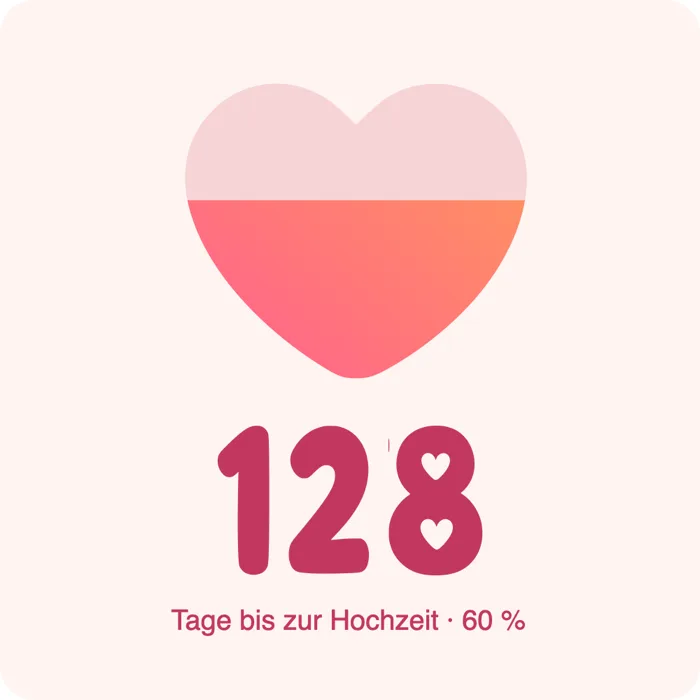
Bildgeschichten
Picture stories
Das Bild wächst mit der Zeit.
The picture grows with time.
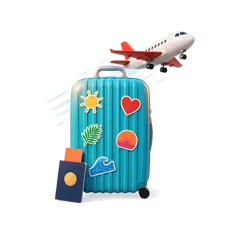
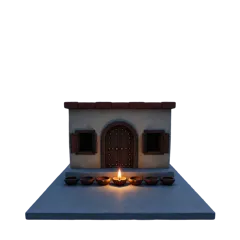
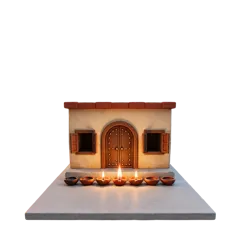
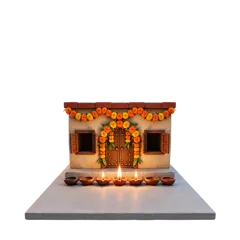
Weihnachten wird Stufe für Stufe geschmückt, bis der Baum am Stichtag steht. Jedes Set hat 9 Stufen. Auf dem Handy einfach seitlich wischen.
Christmas is decorated stage by stage until the tree stands on the day. Every set has 9 stages. On a phone, swipe sideways.
Weihnachten
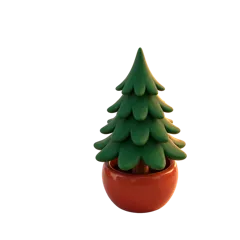
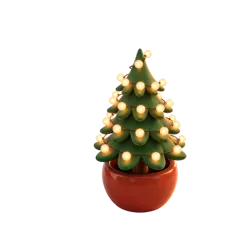
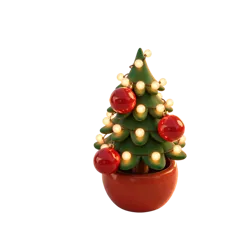
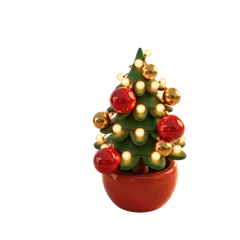
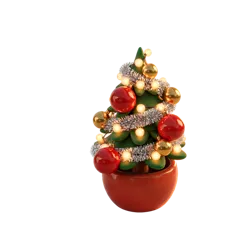
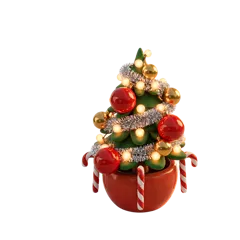
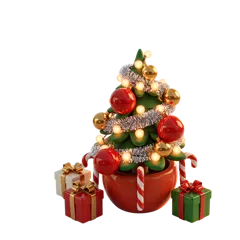
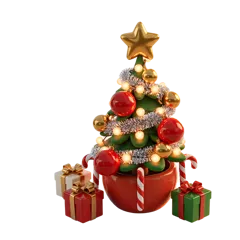
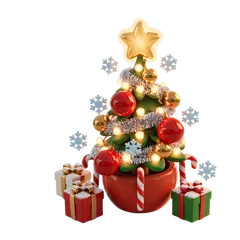
Christmas
Geburtstag
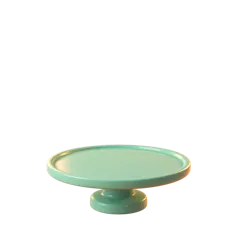

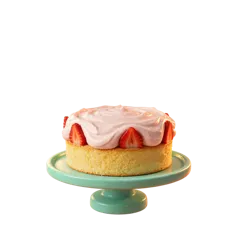
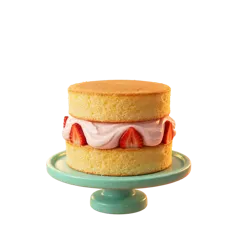
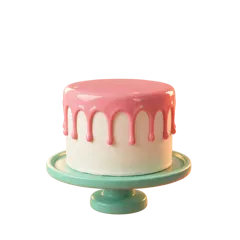
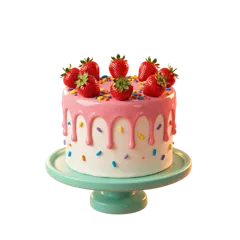
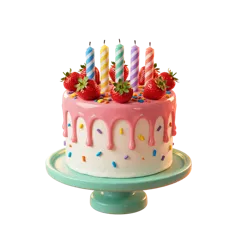
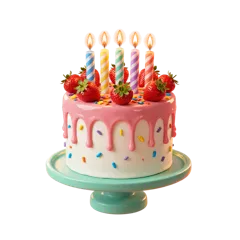
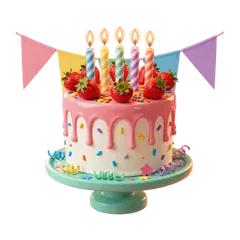
Birthday
Urlaub



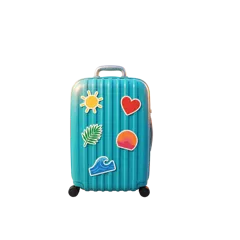
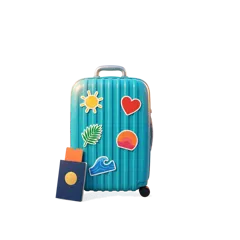



Holiday
Diwali
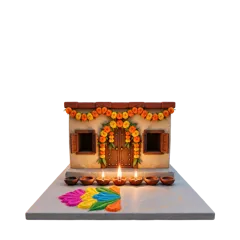
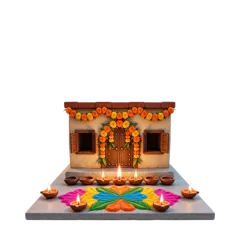
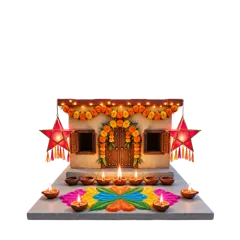
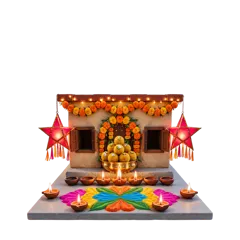
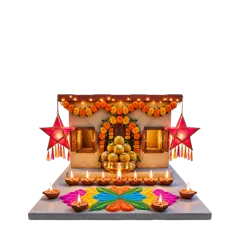
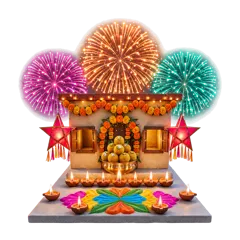
Diwali
Hochzeitstorte


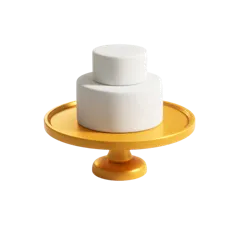
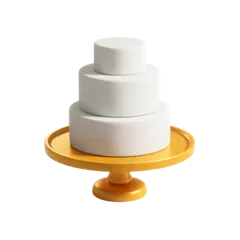

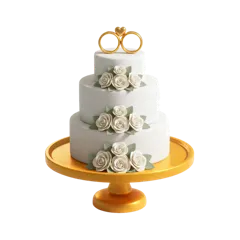
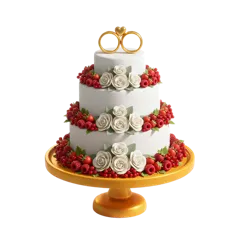
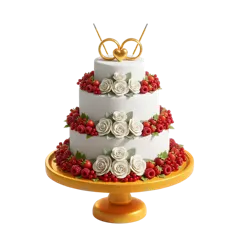
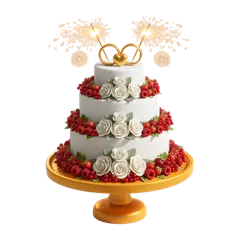
Wedding cake
Auf dem Gerät
On the device
So sieht’s auf dem iPhone aus
What it looks like on the iPhone
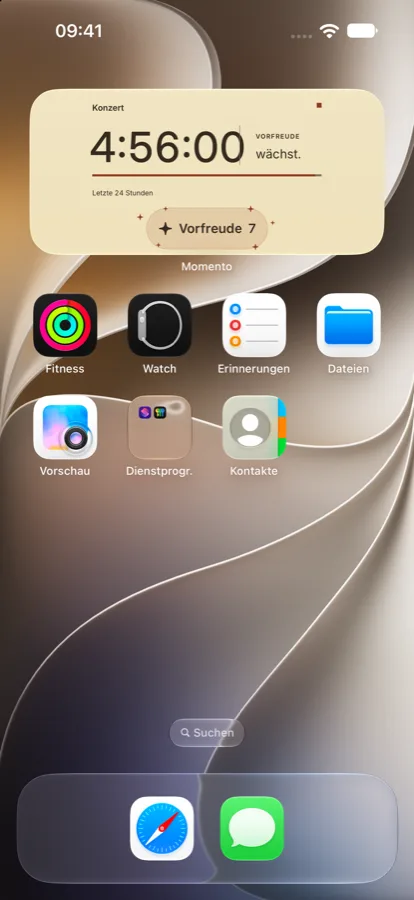
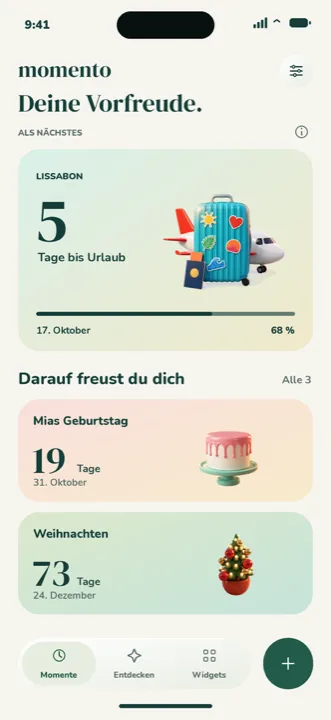
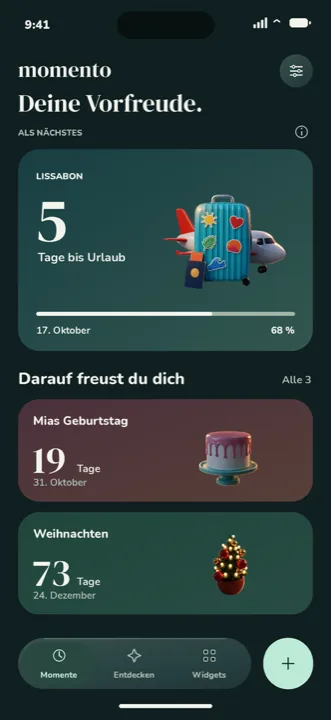
Ein Countdown direkt auf dem Home-Bildschirm, im Hell- und Dunkelmodus. Die Bildstufe passt sich dem Fortschritt an.
A countdown right on the Home Screen, in light and dark mode. The picture stage follows the progress.
Presets
Presets
296 Presets, 30 Layouts
296 presets, 30 layouts
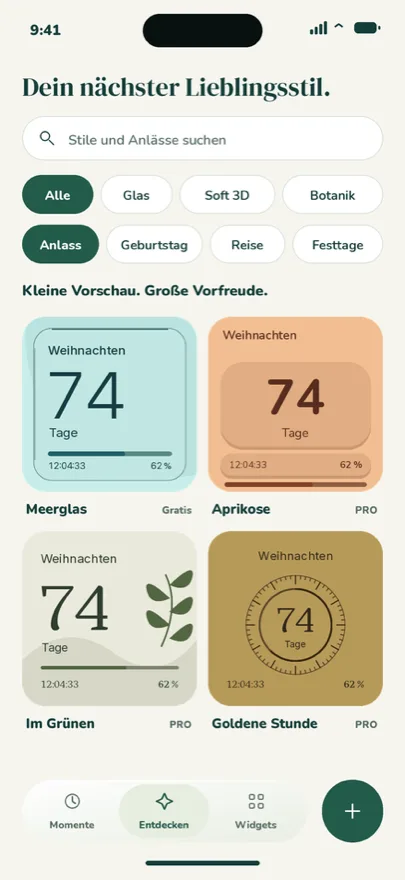
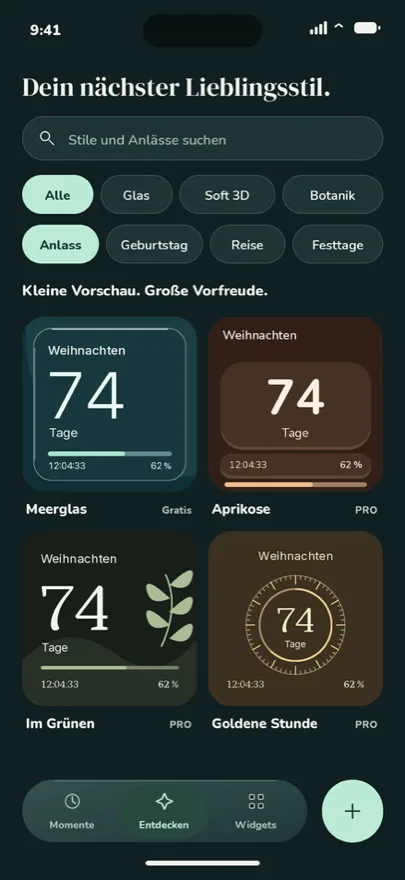
Wähle einen Stil, statt bei null anzufangen. Schriften, Farben, Hintergründe und Layouts lassen sich frei kombinieren. Dazu 60 Verlaufs-Presets mit ruhiger Textschutzfläche.
Pick a style instead of starting from scratch. Fonts, colours, backgrounds and layouts combine freely. Plus 60 gradient presets with a calm text backdrop.
Widgets
Widgets
Überall auf dem iPhone
Everywhere on the iPhone
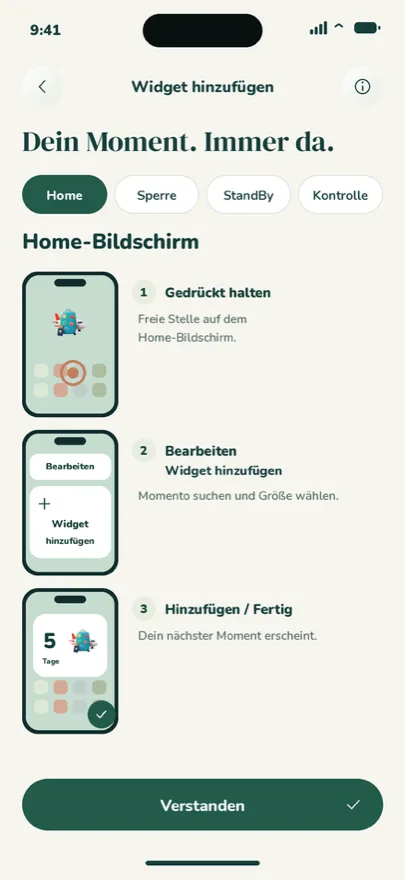
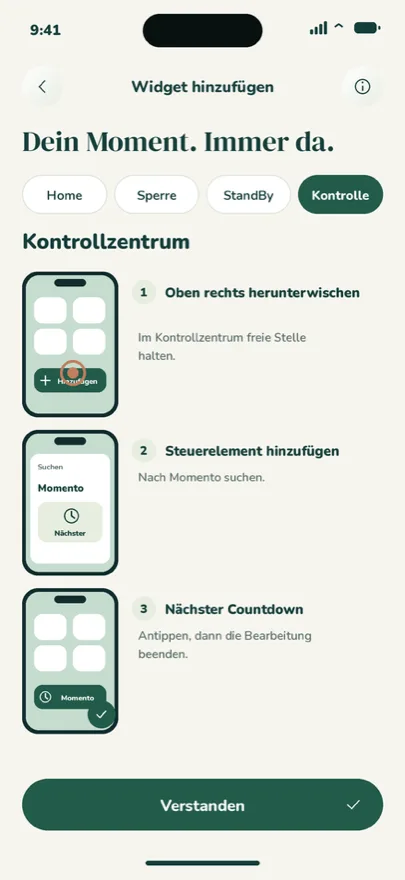
Für den Home-Bildschirm, den Sperrbildschirm, StandBy und das Kontrollzentrum. Dazu eine Live Activity auf dem Sperrbildschirm und in der Dynamic Island.
- Home-Bildschirm in vier Größen
- Sperrbildschirm und StandBy
- Kontrollzentrum: „Nächster Countdown“
For the Home Screen, Lock Screen, StandBy and Control Center. Plus a Live Activity on the Lock Screen and in the Dynamic Island.
- Home Screen in four sizes
- Lock Screen and StandBy
- Control Center: “Next countdown”
Kalender
Calendars
Feste und Kalender
Festivals and calendars
Religiöse und kulturelle Termine sind vorbereitet: Ostern, Ramadan und Eid, Chanukka, Diwali, Chinesisches Neujahr und weitere. Mondtermine können je nach Region um einen Tag abweichen. Momento zeigt das bei der Auswahl an.
Religious and cultural dates are built in: Easter, Ramadan and Eid, Hanukkah, Diwali, Chinese New Year and more. Lunar dates can differ by one day depending on region. Momento says so when you choose one.
Teilen
Sharing
Gemeinsam vorfreuen
Look forward together
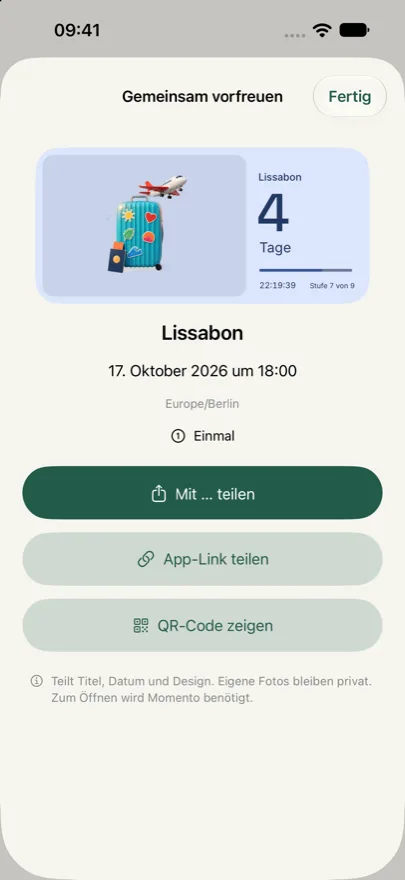
Teile einen Countdown per Link, QR-Code oder über das Teilen-Menü, zum Beispiel per AirDrop. Der Empfänger übernimmt das Design.
Share a countdown by link, QR code or the share sheet, for example via AirDrop. The recipient gets the same design.
Geteilt werden Titel, Datum und Design. Eigene Fotos bleiben privat.
Shared are the title, date and design. Your own photos stay private.
Nach dem Stichtag
After the day
Die Zeit läuft weiter
Time keeps going
Ist der Tag erreicht, zählt die Anzeige weiter hoch, wie lange es schon her ist.
Once the day arrives, the display keeps counting up, showing how long it has been.
Datenschutz
Privacy
Bleibt auf deinem Gerät
Stays on your device
Keine Konten, keine Anmeldung. Deine Countdowns liegen auf deinem Gerät. Nur wenn du etwas teilst, verlässt es das Gerät.
No accounts, no sign-in. Your countdowns stay on your device. Only when you share something does it leave the device.
Ausblick
Outlook
Bald im App Store
Coming soon to the App Store
Momento Studio ist noch nicht veröffentlicht. Diese Seite zeigt, was die App heute schon kann.
Momento Studio is not released yet. This page shows what the app can do today.